


Friends we all have one of the greatest media player VLC media player install in our system and we also know that this player plays many file types.Now from this trick i will tell you how to convert our videos from one format to another format via VLC.
From today VLC will not only use for playing music Audio and Video but also for converting videos.

From today VLC will not only use for playing music Audio and Video but also for converting videos.
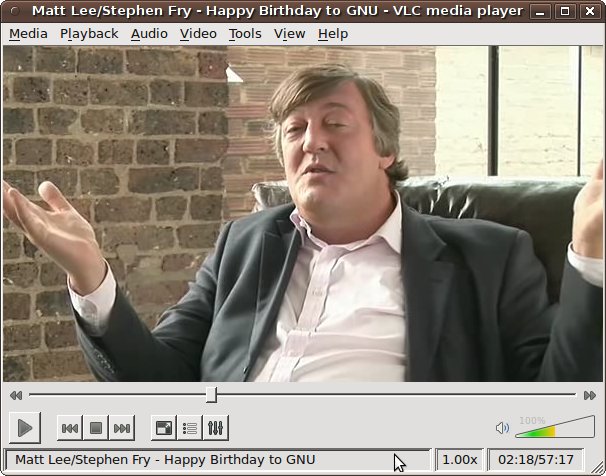
1) Open VLC Media Player.
2) Click on Media and select Convert / Save (Ctrl+R ) Option.
3) Now Add the Files by using Add Button on the new Window which appeared.
4) Now Click on Convert / Save Button and this will Open an Another Window.
5) Now select the Destination File and Profile ( Conversion Format ) as you wish.
6) Finally Click on the Start Button to Begin the Conversion and it is done.
Enjoy


Không có nhận xét nào:
Đăng nhận xét